 Call 888-654-3376
 Live Chat

 (888) 654-3376
 My Account
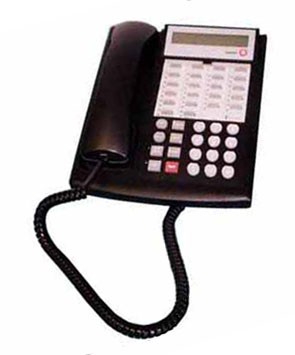
Every year, twice a year America is forced to change the time on all the clocks. While this is easy to do on some appliances at home like a microwave, it is much more complicated to do on electronic items such as a business phone system. One of the most common phone systems out there is the Avaya Partner system which often uses the Avaya Partner 18D phone with its nice LCD display.
| Avaya Partner ACS Phone System Must be done from extension 10 or 11. |
 |
- Press Feature and dial 00.
- Press the left intercom button twice.
- To set the time, press # and dial 103. Enter the correct time using a 24-hour format.
- To set the date, press # and dial 101. Enter the correct date using MMDDYY format.
- Press feature and dial 00 to save.
So for example, if you need to set the time for 09:00 PM you would type 0900. If you do not get around to changing the clock in the evening at 05:00 PM you would enter in 1700 for 5PM.
